Calendars
How to choose photos for a pet calendar
Good news: you need one photo, not twelve. Here is what makes a photo work, and how to find the right one in your camera roll.
6 min readUpdated
How many photos do you need for a pet calendar?
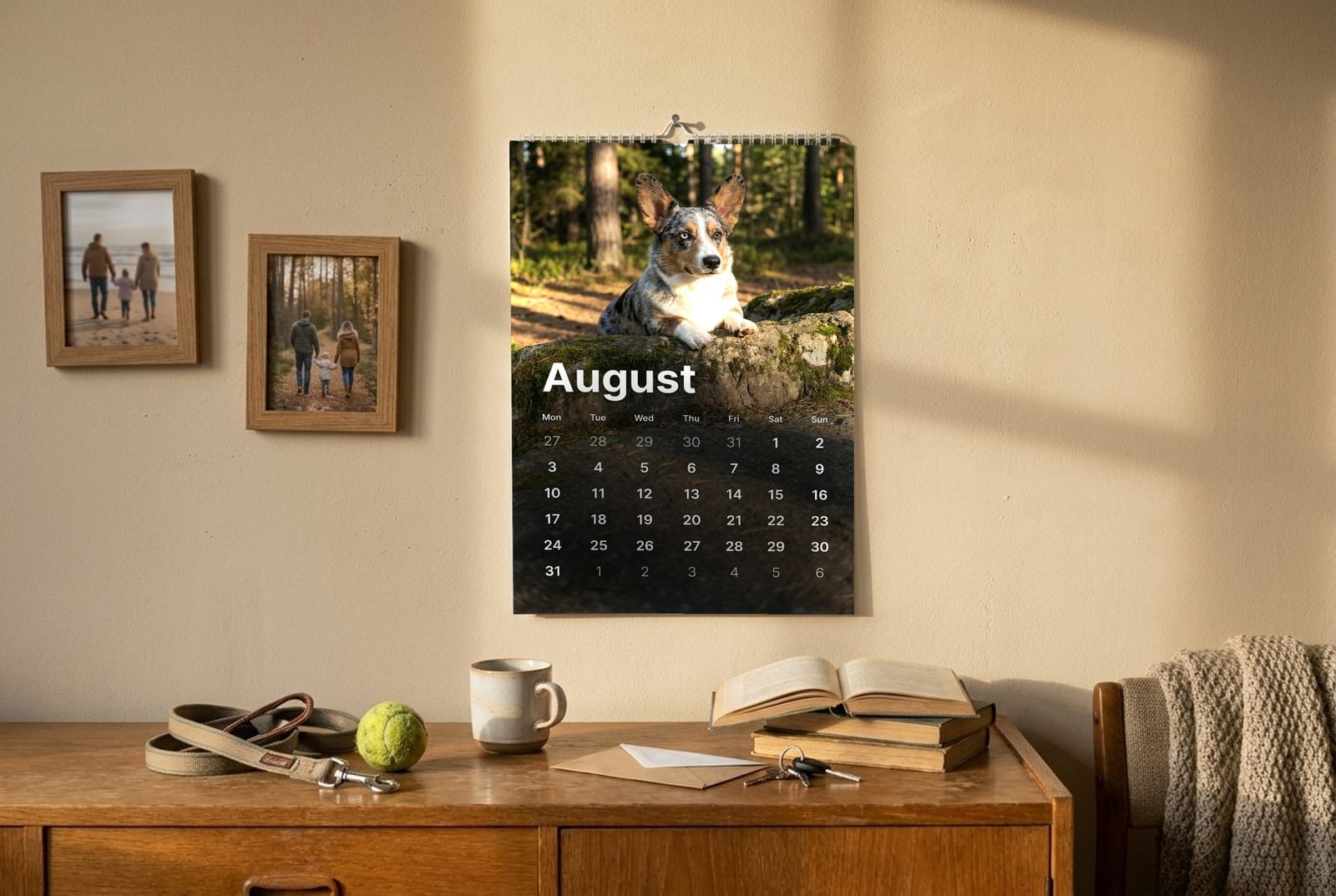
You need one clear photo. Our custom pet calendar builds twelve monthly scenes from a single upload, so you are choosing one good photo rather than twelve adequate ones. You can upload up to four if you want us to work from more than one angle.
Here is the part that surprises people, in a good way: you are not hunting for twelve photos, one per month. The whole calendar is built from a single upload, so the entire job is finding one photo you love. Most camera rolls have several.
One photo that shows your pet clearly beats twelve that half do. Every month is generated from the same source, so the likeness stays consistent across the year instead of drifting from January to December.
What makes a good photo for a pet calendar?
Good light, eyes visible, head and shoulders filling a decent part of the frame, and nothing overlapping their face. Daylight near a window or outdoors on an overcast day gives the most detail. A phone camera is fine. Resolution matters far less than light.
- Daylight, not flash. Flash flattens fur and shifts colour, which is the single most common reason a portrait comes back looking like a different animal.
- Eyes in focus and open. Eyes carry the likeness. If they are half closed or lost in shadow, everything else works harder and does less.
- Get level with them. Photos taken from standing height foreshorten the muzzle. Crouch down to their eye line.
- Fill the frame. Their head and chest should be a decent portion of the picture, not a small shape in the middle of a garden.
- Nothing across the face. A hand, a lead, a toy, a raised paw. Anything overlapping the face has to be invented underneath, and invention is where likeness goes.
The quick test
Look at the photo on your phone and shrink it with two fingers until it is about the size of a stamp. If you can still tell it is your pet, it will work. If it becomes a vague animal shape, pick another.
Which photos do not work?
Dark indoor shots, heavy phone-portrait blur, photos taken through glass or a car window, screenshots, and anything already filtered. Each of these removes the fur detail the artwork is built from, and once detail is gone it cannot be recovered.
| The photo | What happens to the detail | The easy fix |
|---|---|---|
| Dim indoor light | Fur loses texture and colour shifts warm | Move to a window or step outside |
| Portrait-mode blur | Blurs the edge of the fur, which reads as a soft halo | Turn portrait mode off |
| Shot through glass | Reflections sit on top of the coat | Open the door or window first |
| Screenshot or social download | Compressed twice, detail already gone | Send the original file |
| Already filtered | The filter gets baked into the artwork | Use the unedited original |
How do you photograph a black dog or cat?
Dark coats need more light than you think, and light from the side rather than the front. Photograph them outdoors on a bright but overcast day, and expose for the fur rather than the background. Most phones underexpose black animals badly by default.
Black and very dark coats are the hardest thing to photograph well, and the reason is not the camera. A phone meters for the whole scene, so a black dog against a bright background comes out as a silhouette with no face in it.
- Go outside, ideally on a bright day with cloud cover rather than direct sun.
- Put the light to one side of them rather than behind them. Side light is what reveals the shape of a dark coat.
- Tap your pet's face on the screen so the phone exposes for them, not the sky.
- If the picture still looks dark, raise the exposure slider before you take it rather than brightening it afterwards.
The same applies to any pet with strong markings. A merle coat, a split face, or an unusual pattern needs enough light to show where one colour ends and the next begins.
Can you use photos of more than one pet?
Yes, up to four. One photo of them together works if every face is clear and none is partly hidden behind another. If your pets will not sit together, upload a separate clean photo of each. That usually gives a better result than one awkward photo of all of them.
The one to avoid is the photo where one pet is half hidden behind the other. Whatever the camera cannot see has to be invented, and invention never matches the pet you know. A clean photo of each pet sidesteps this entirely.
Common questions
Can I use an old photo of a pet who has passed away?
Yes, and a lot of people do. The same rules apply: the clearer the face and the better the light, the closer the likeness. If the only photo you have is imperfect, send it anyway. We would rather work with the photo that matters to you than a technically better one of a different moment.
Does my phone need a good camera?
No. Any phone from the last several years has more than enough resolution. Light is what limits the result, not the camera. A well lit photo on an old phone beats a dim one on a new phone every time.
Can I see the calendar before I pay?
Yes. You get a free preview before you buy, so you can check the likeness with your own photo first. If it does not look like them, try a different photo rather than accepting the first result.
What if my pet will not sit still?
Take a burst of photos rather than trying for one perfect shot, then pick the frame where the eyes are open and in focus. Most good pet photos are the third or fourth frame of a burst, not a posed sitting.